Now live on the Chrome Web Store
A home for
all your tabs.
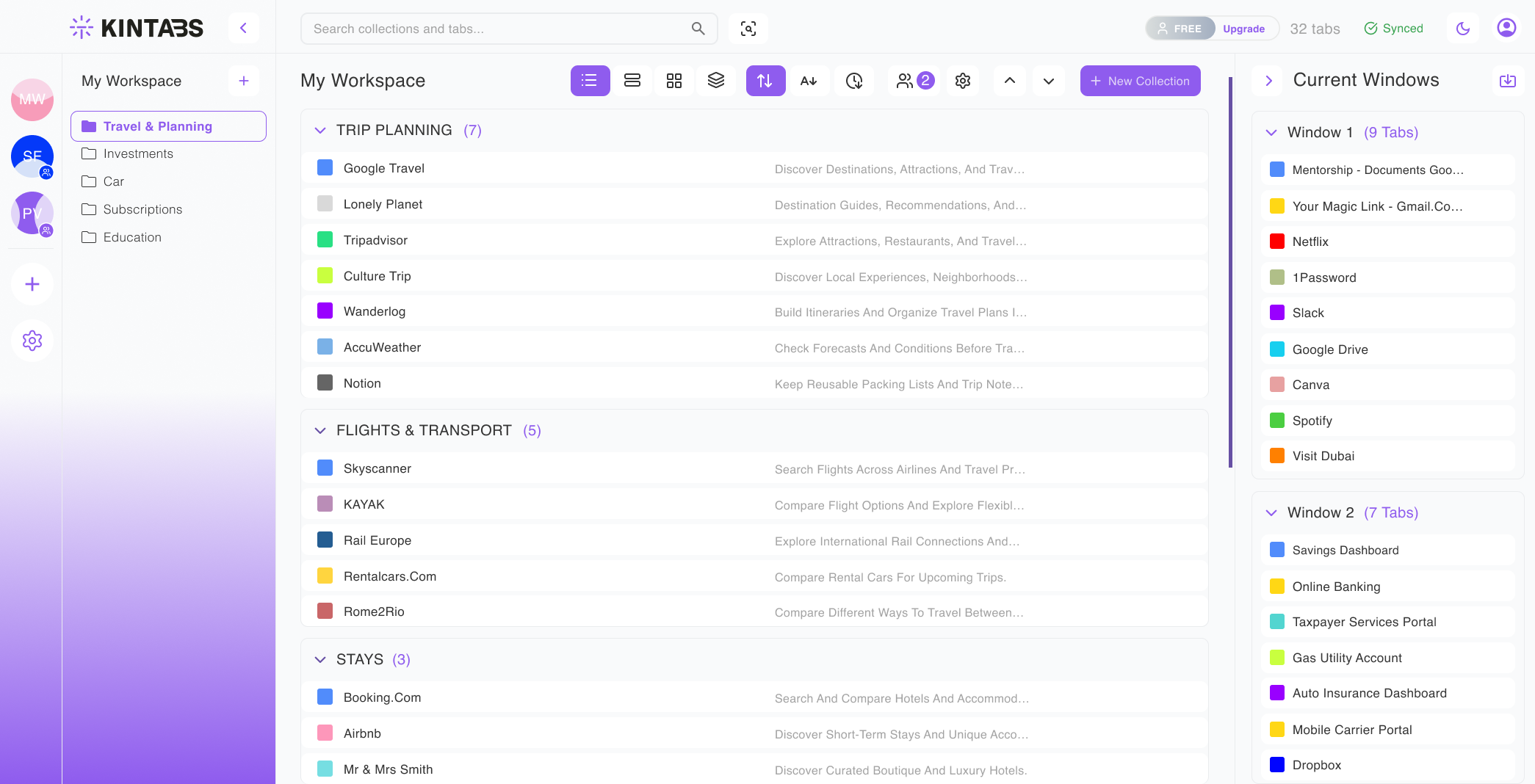
Save, organise and restore your browser sessions — by project, by mood, by anything you want.
Free plan available · No account required
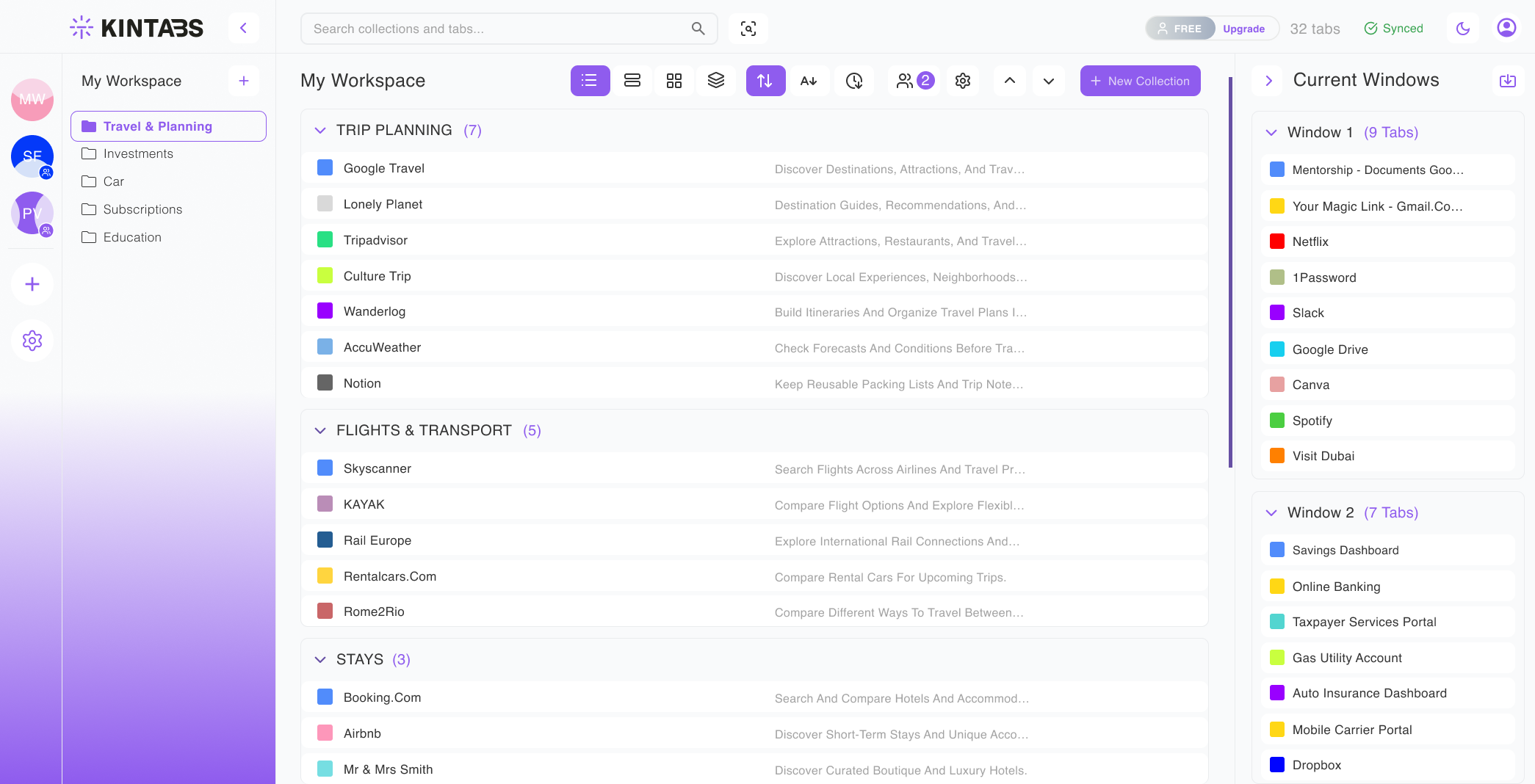
Save, organise and restore your browser sessions — by project, by mood, by anything you want.
Free plan available · No account required
Every tab has a reason. Kintabs saves them all — by project, context, or any category you define. Nothing gets lost.
Add to Chrome — Free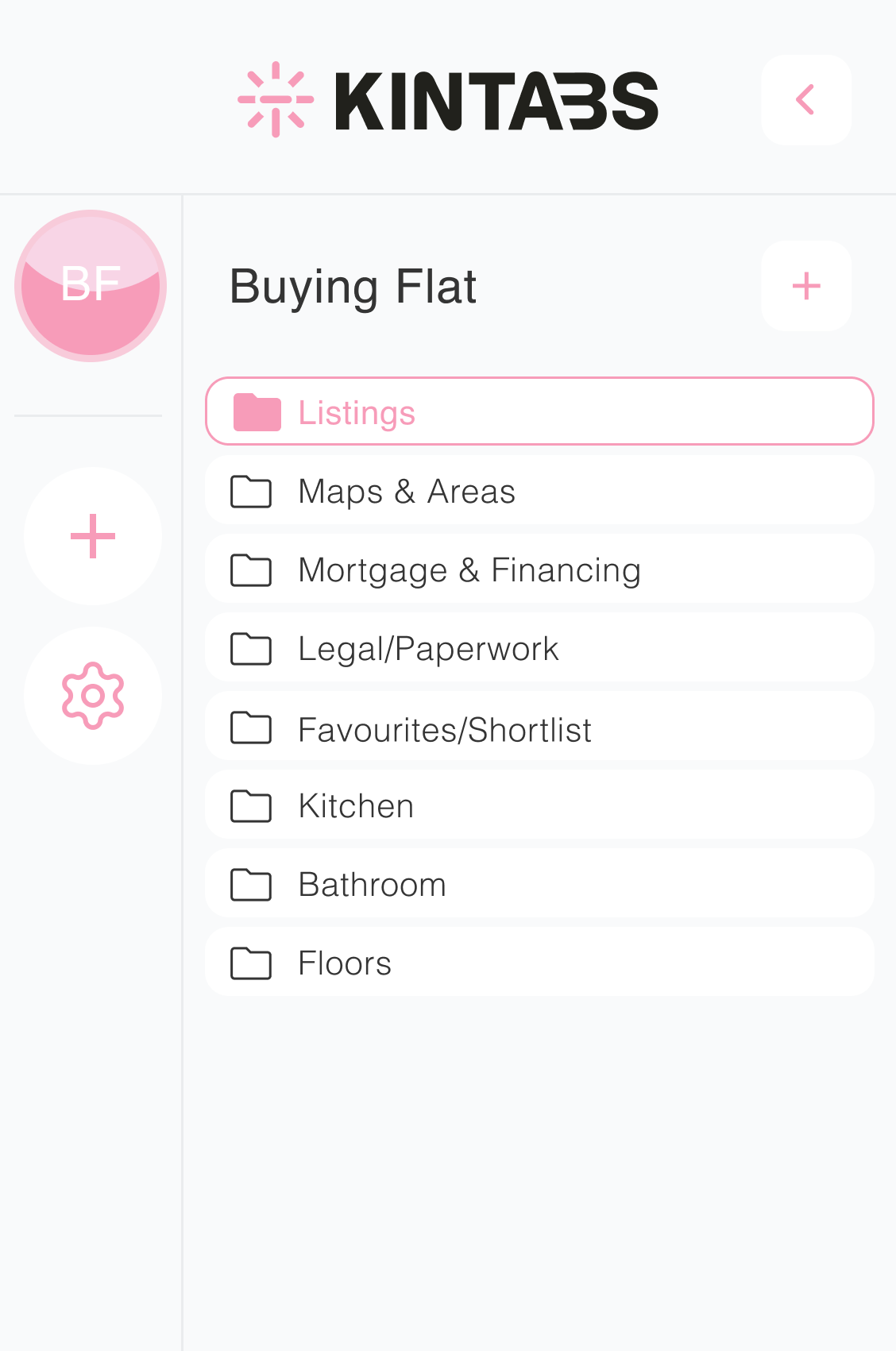
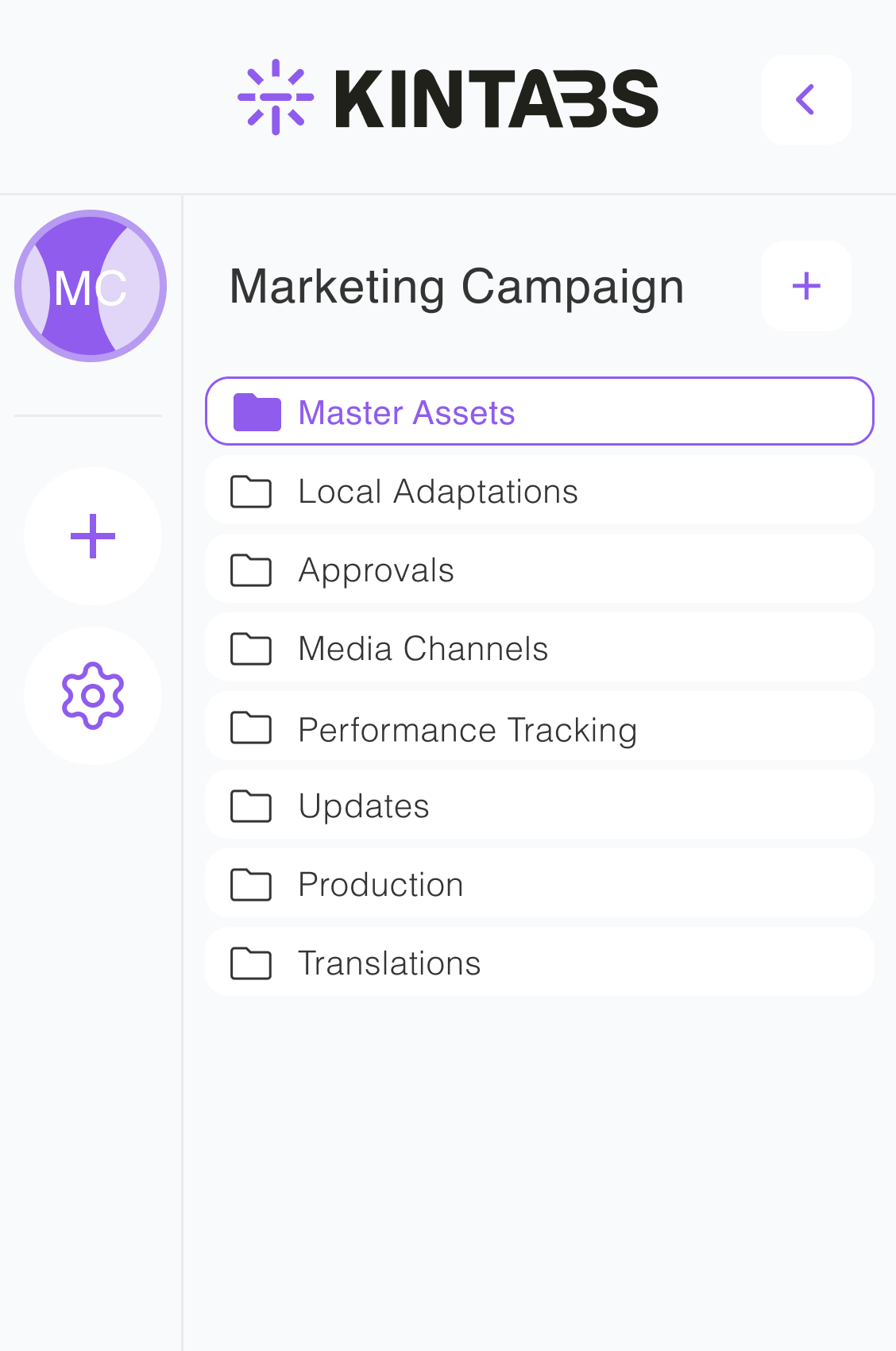
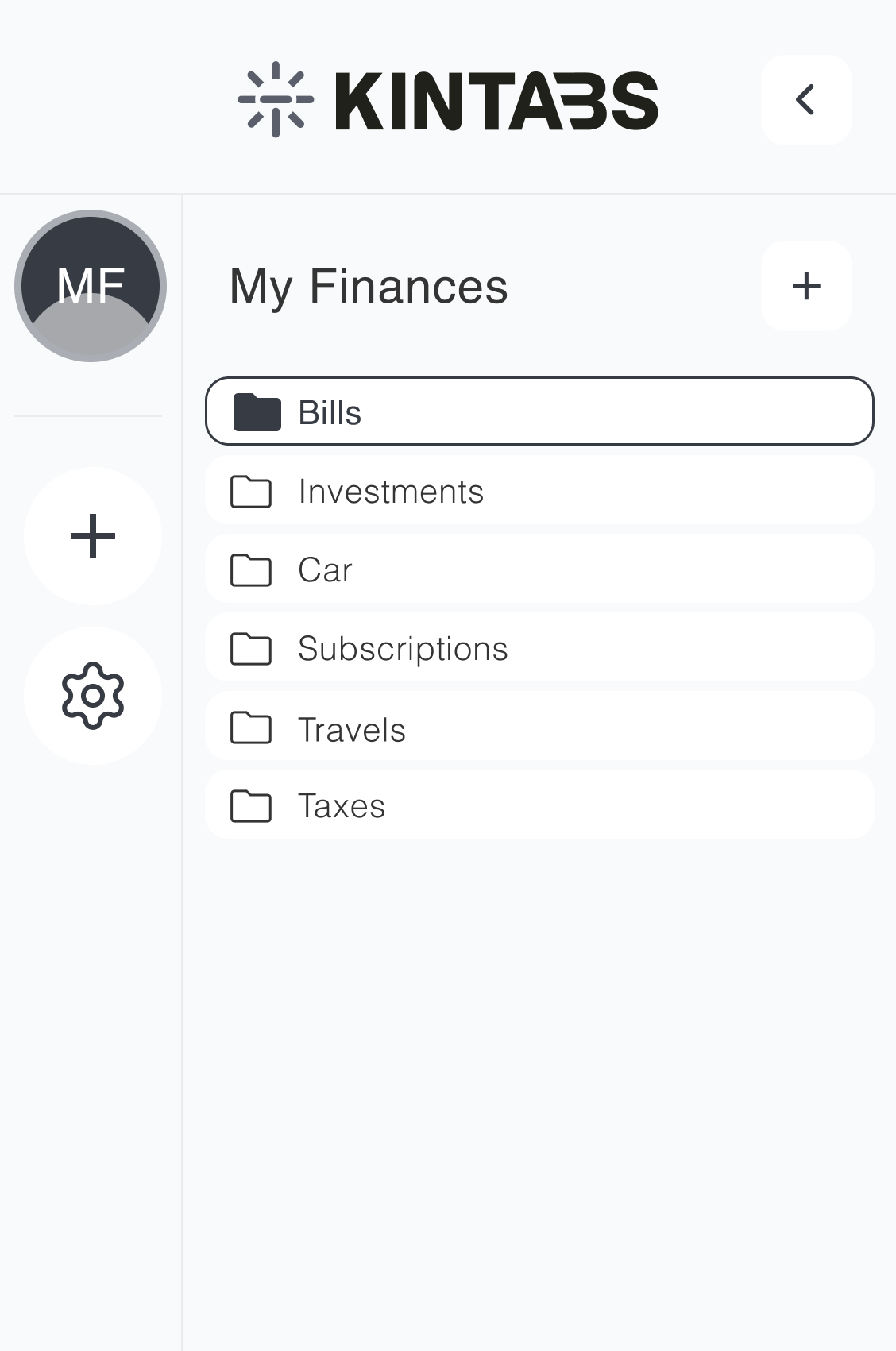
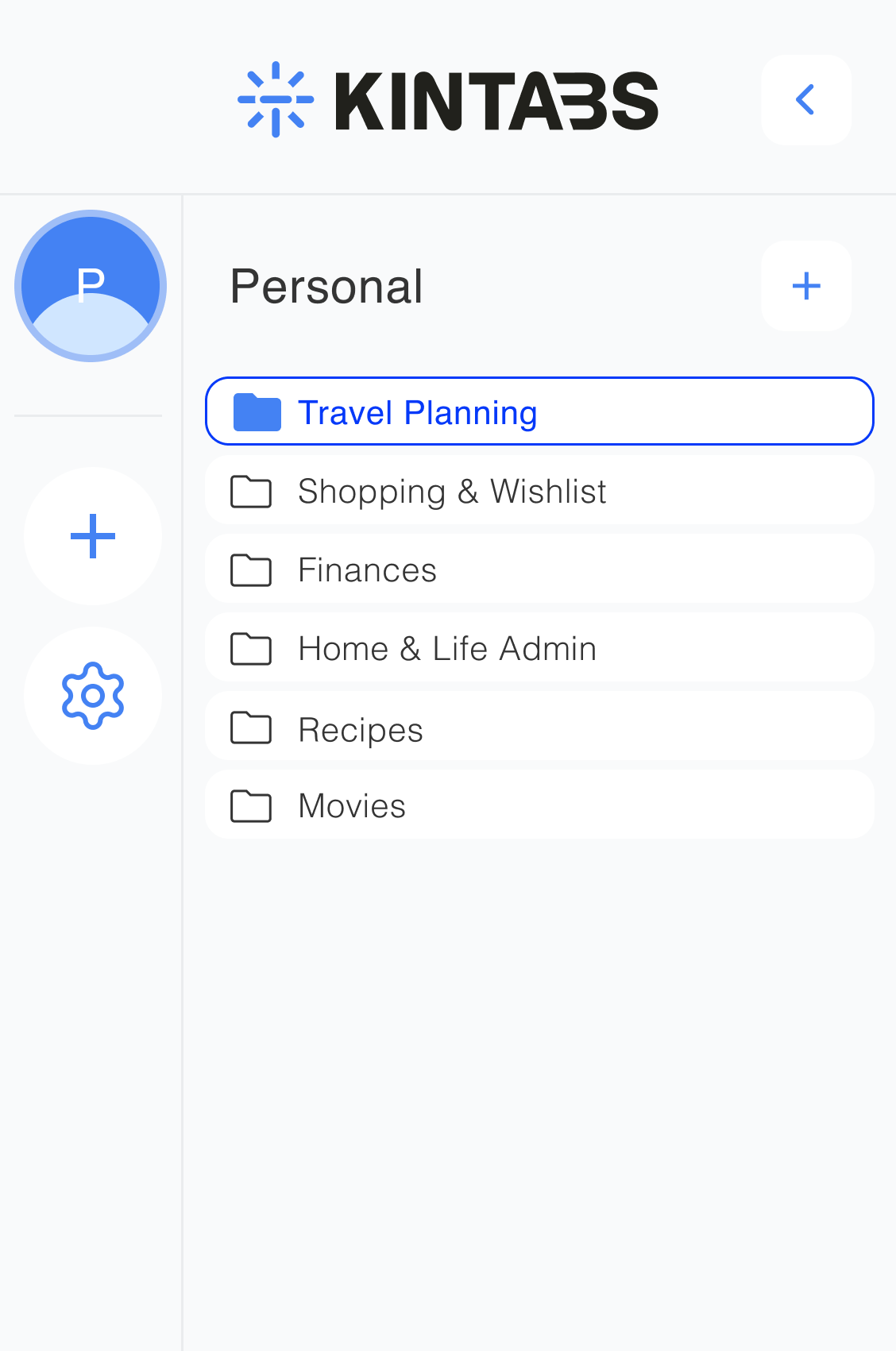
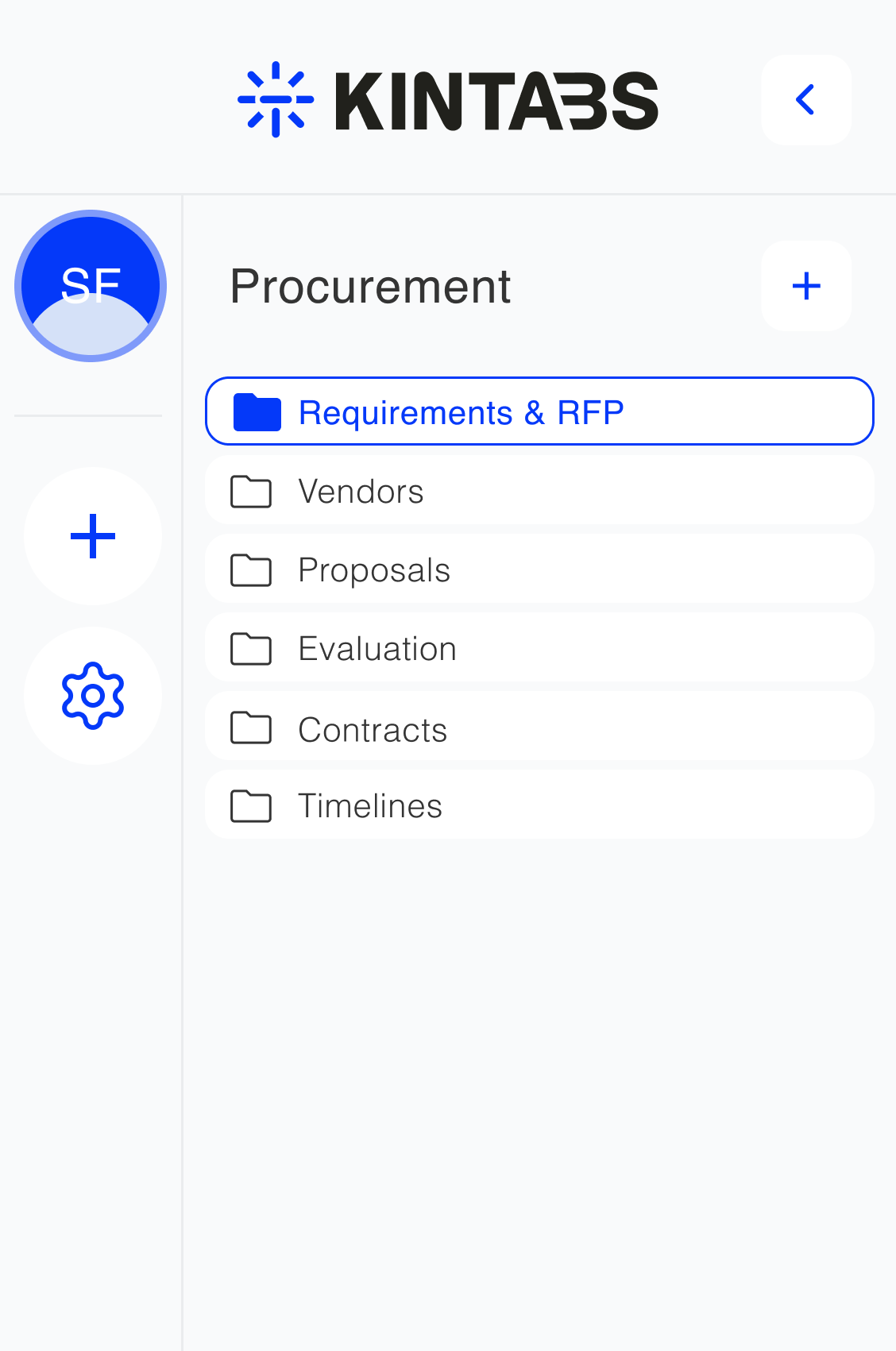
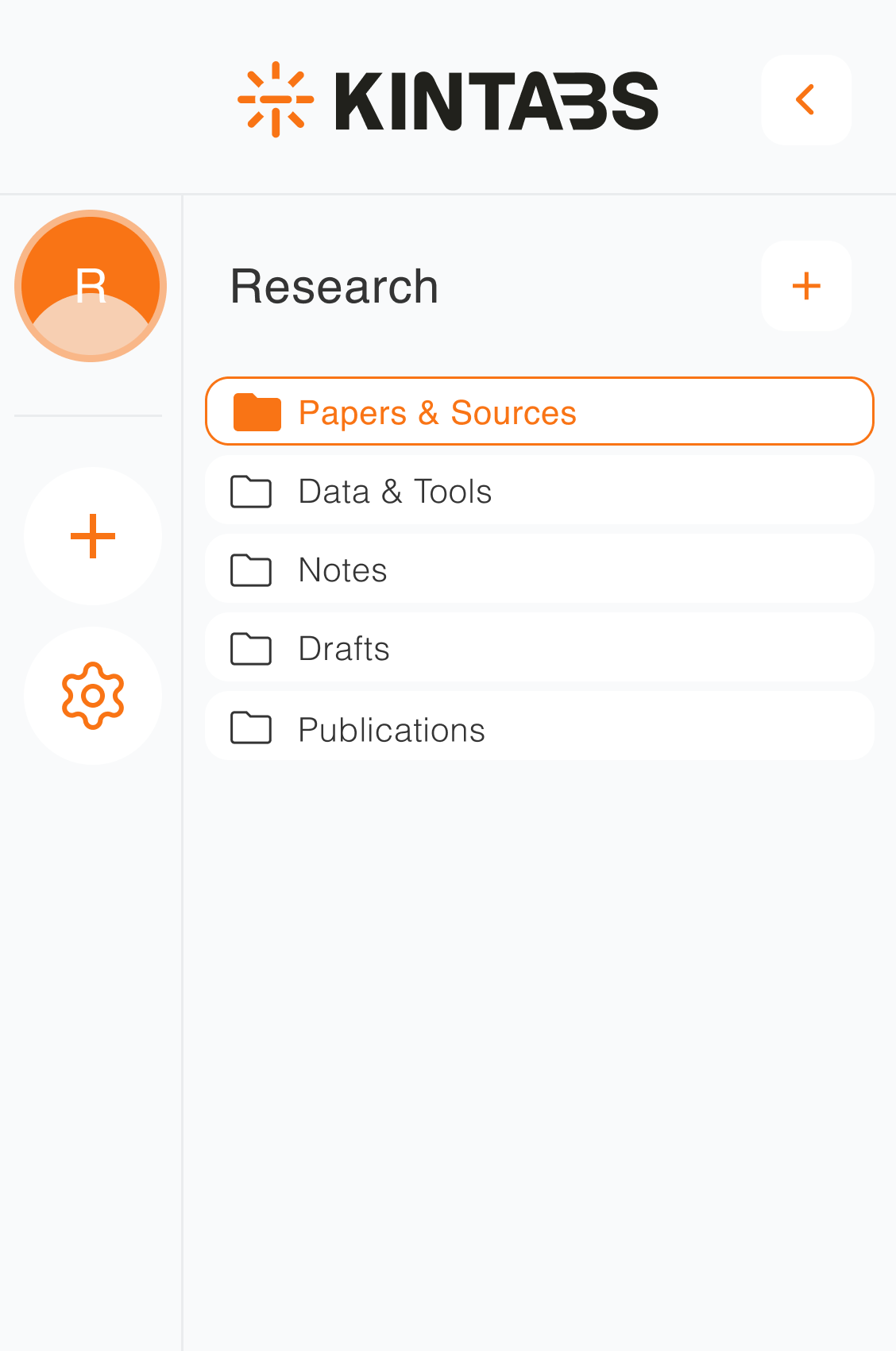
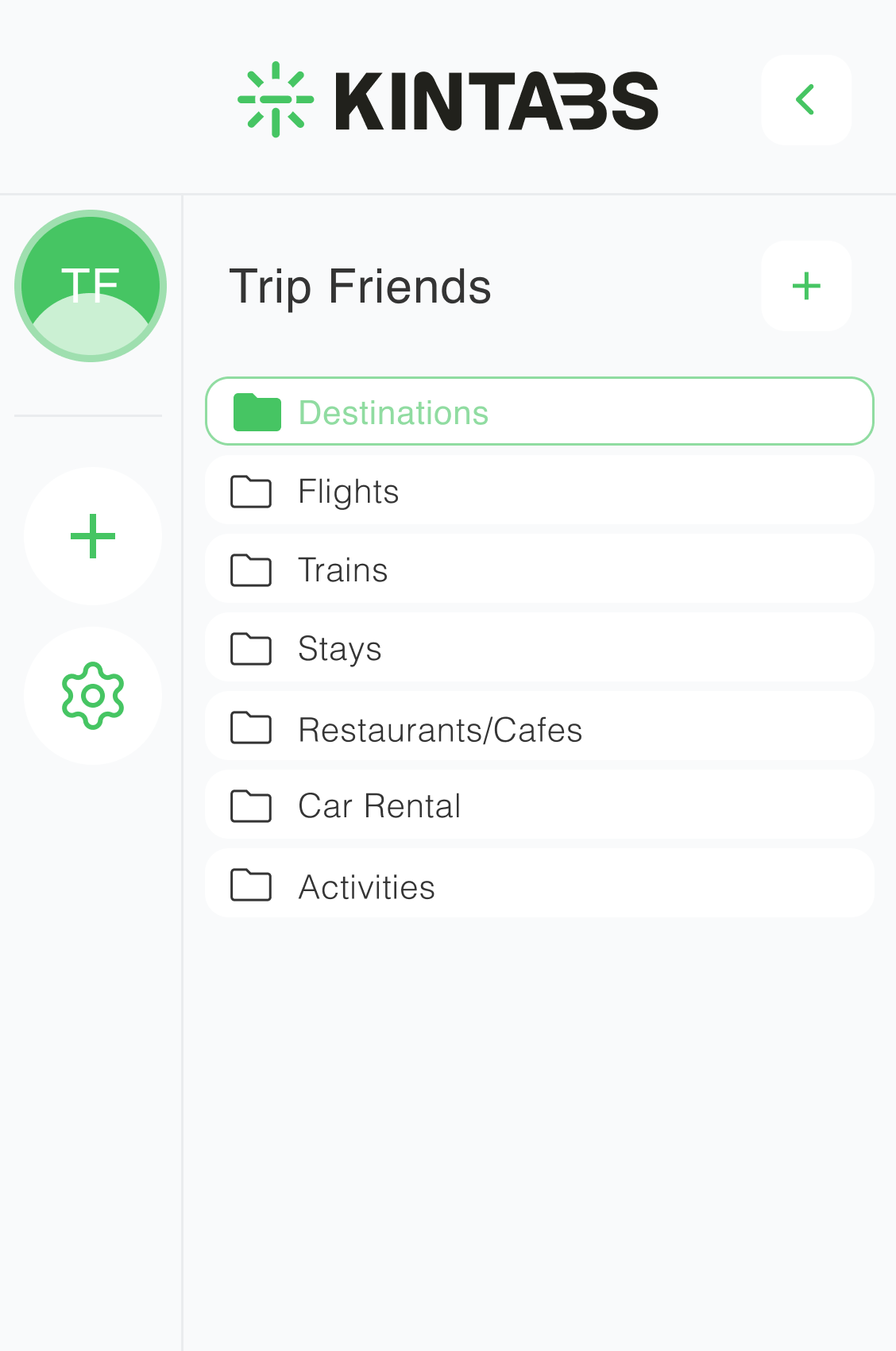
Create a workspace for every part of your life: work, side projects, holidays, studies. Switch in one click. Context stays perfectly intact.
Add to Chrome — FreeYour tabs live in dedicated workspaces shared with your team. Open or close entire sessions with a single click.
Add to Chrome — FreeYour tabs live in dedicated workspaces. Open or close entire sessions with a single click. Shared with your team.
Add to Chrome — FreeShare collections in one click. Everyone works from the same set of links, no more "can you send that URL?" messages.
Add to Chrome — FreeShare collections in one click. Everyone works from the same set of links.
Add to Chrome — FreeLost a tab mid-meeting? Kintabs' advanced search finds any tab by title, URL, or collection, across all your workspaces, in milliseconds.
Add to Chrome — Free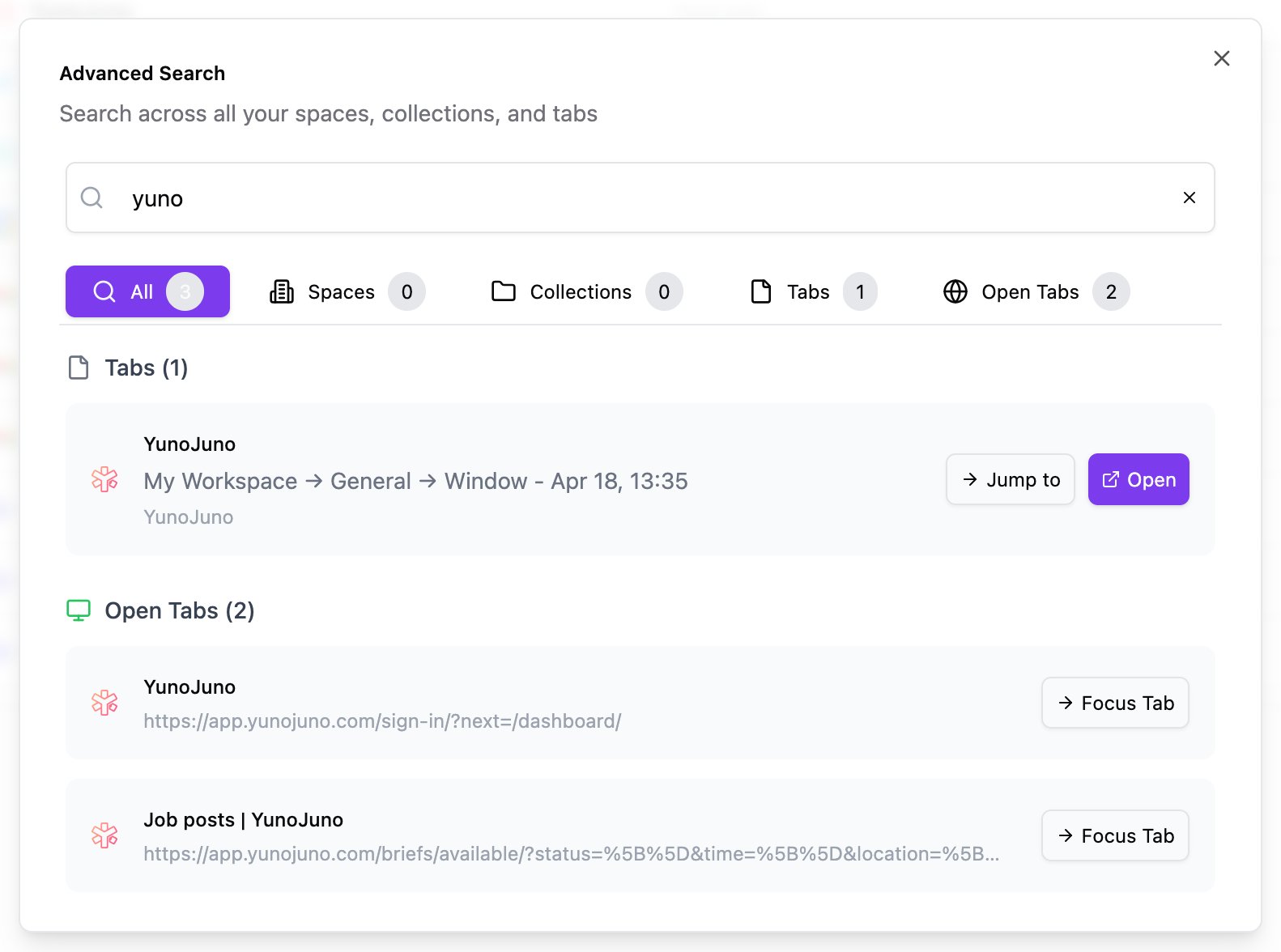
Browse curated sets of useful links for work, learning, design, development, and more. Open any resource freely, or add the complete collection to Kintabs.
Browse the Library →I had 200+ tabs open for months. Kintabs sorted them in 10 minutes. My laptop is faster. My brain is clearer.
Finally a tab manager that doesn’t feel like more work than the problem. One workspace per client. Done.
Session restore alone is worth every cent. I’ve lost hours to crashes before. Now everything’s always there.
Start free, upgrade when you're ready. No contracts, cancel anytime.
Guest and Free Account are both free. Guest works without an account; a Free Account enables account-based capabilities and keeps data separated by signed-in account.
| Feature | Guest | Free Account | Pro | Team Lite |
|---|---|---|---|---|
| Organization | ||||
| Workspaces, spaces & collections | ✓ | ✓ | ✓ | ✓ |
| Save & organize tabs | ✓ | ✓ | ✓ | ✓ |
| Drag & drop organization | ✓ | ✓ | ✓ | ✓ |
| View & sort modes (list, compact, grid, cards) | ✓ | ✓ | ✓ | ✓ |
| Import (HTML, JSON, TXT) | ✓ | ✓ | ✓ | ✓ |
| Export collections (JSON, HTML, TXT) | ✓ | ✓ | ✓ | ✓ |
| Full account export (all workspaces) | — | — | ✓ | ✓ |
| Search | Basic | Basic | Advanced | Advanced |
| Tab limit (personal) | 60 | 60 | Unlimited | Unlimited |
| Account & access | ||||
| Account required | No | Yes | Yes | Yes |
| Email authentication (OTP) | — | ✓ | ✓ | ✓ |
| Separate data per account on same device | — | ✓ | ✓ | ✓ |
| Cloud & devices | ||||
| Local storage | ✓ | ✓ | ✓ | ✓ |
| Cloud sync of personal workspaces | — | — | ✓ | ✓ |
| Cross-device access | — | — | ✓ | ✓ |
| Sharing & collaboration | ||||
| Accept invite to a shared workspace | — | ✓ | ✓ | ✓ |
| Create shared workspaces & invite members | — | — | ✓ | ✓ |
| Public & private spaces | — | — | ✓ | ✓ |
| Role-based access (owner, admin, member, viewer) | — | — | ✓ | ✓ |
| Included collaboration seats | — | — | 4 | 10 |
| Additional seats available | — | — | — | ✓ |
| Additional seat price | — | — | — | $2/seat/mo |
| Team member & seat management | — | — | — | ✓ |
| Customization | ||||
| Dark theme | ✓ | ✓ | ✓ | ✓ |
| Custom workspace themes & images | ✓ | ✓ | ✓ | ✓ |
Collaboration seat totals include the owner.
KINTABS is a Chrome extension that helps you organize tabs into workspaces, spaces and collections, so you can keep your browsing organized and switch between projects more easily. You can start with a free personal workspace, while paid plans add cloud-backed features and options for collaborating with others.
Yes. Guest mode lets you save and organize tabs locally without signing in. Your data stays on your device. You can create an account later if you want account-based features.
Both are free. Guest works without signing in. A Free Account adds an account identity, keeps your data separate from other signed-in accounts on the same computer, and lets you accept invitations to shared workspaces.
You can save and organize tabs into workspaces, spaces and collections, use basic search, import and export collections, switch between view and sort modes, and customize your workspace appearance. You can upgrade later if you need cloud sync, advanced search or collaboration features.
Enter your email address and KINTABS will send you a one-time sign-in code. Copy the code from your email and enter it to access your account. There's no separate password to remember.
Yes. Saved tabs are stored persistently, so they remain available after you close and reopen Chrome. However, local data can be lost if extension or browser data is cleared, so keep copies of anything important.
Personal cloud sync and cross-device access are available on Pro and Team Lite. Guest and Free Account data stays local to the device where it was created.
Free Account users can accept invitations to shared workspaces. Pro and Team Lite users can create shared workspaces and invite others. Collaboration seat totals include the owner.
You can import bookmarks exported from Chrome or Firefox as HTML files, as well as JSON and TXT files. You can also export your collections at any time in the same formats.
Browse the KINTABS Gallery to discover curated tab collections. When you find something useful, use the “Add to Kintabs” option to import it into your workspace.
Your saved tabs stay on your device in Guest and Free local modes. Paid cloud data is protected through account access controls, and shared workspaces are accessible according to their permissions. See our Privacy Policy for details.
You can explore the core features using Guest or a Free Account at no cost. If you need cloud sync, advanced search or collaboration, you can upgrade to Pro or Team Lite at any time.
Your paid features remain available until the end of your current billing period. After that, your account moves to the Free plan, with its local-storage features and applicable limits. Cancelling does not delete your account.
Yes. You can delete your account from Account Settings under the Account tab. This permanently removes your account and owned cloud content. It's separate from cancelling a subscription, which only stops future billing.
Email support@kintabs.com for product, billing or account questions. We're happy to help.
Install Kintabs and turn browser chaos into something you can actually work with.
Install Kintabs — it’s freeNo account needed · Free plan forever